
Make more of your screen.
Bring your favorite music, videos and moments to the big screen. AirSofa is your AirPlay receiver for Windows and Xbox.

Connect in a moment.
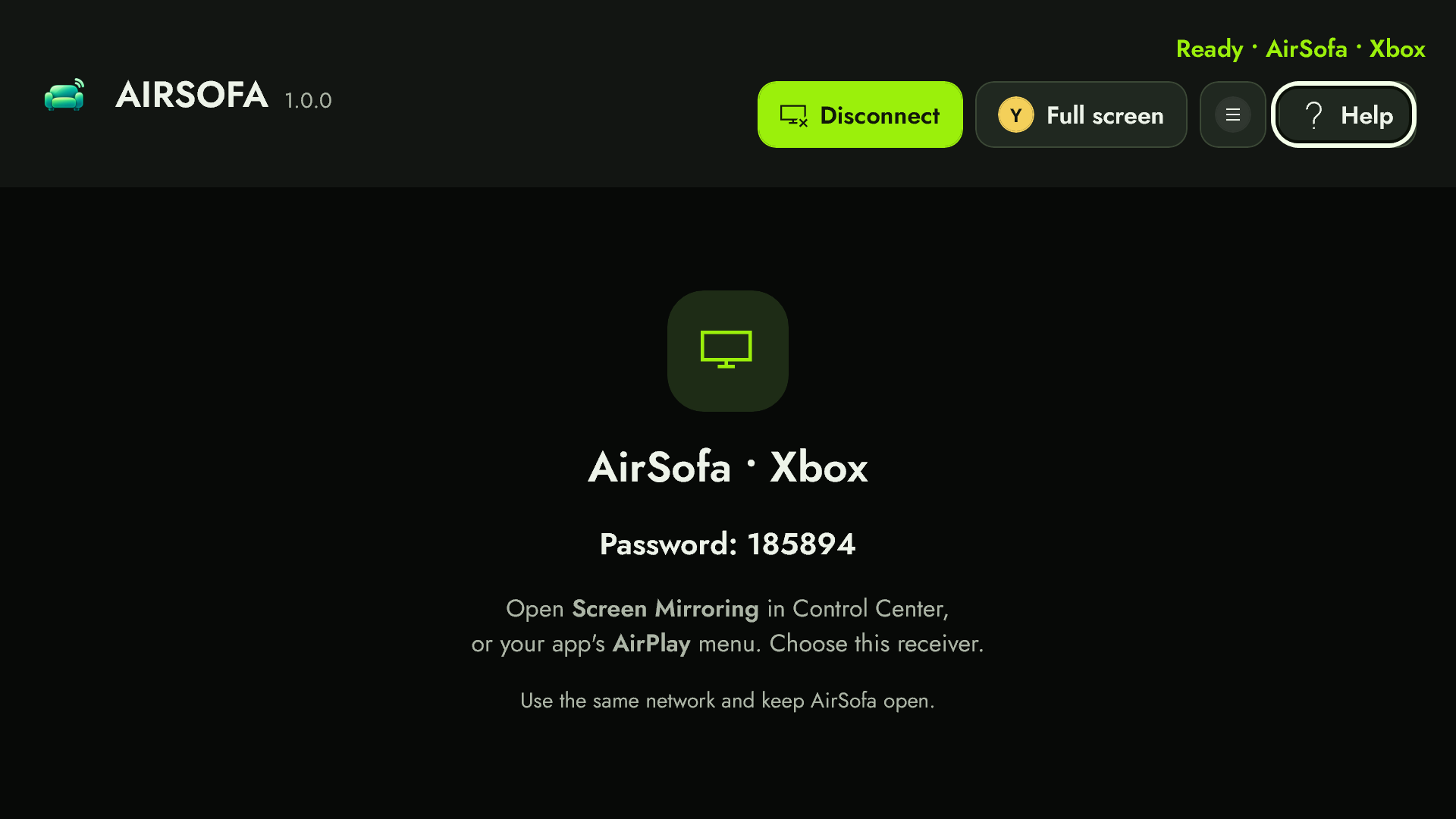
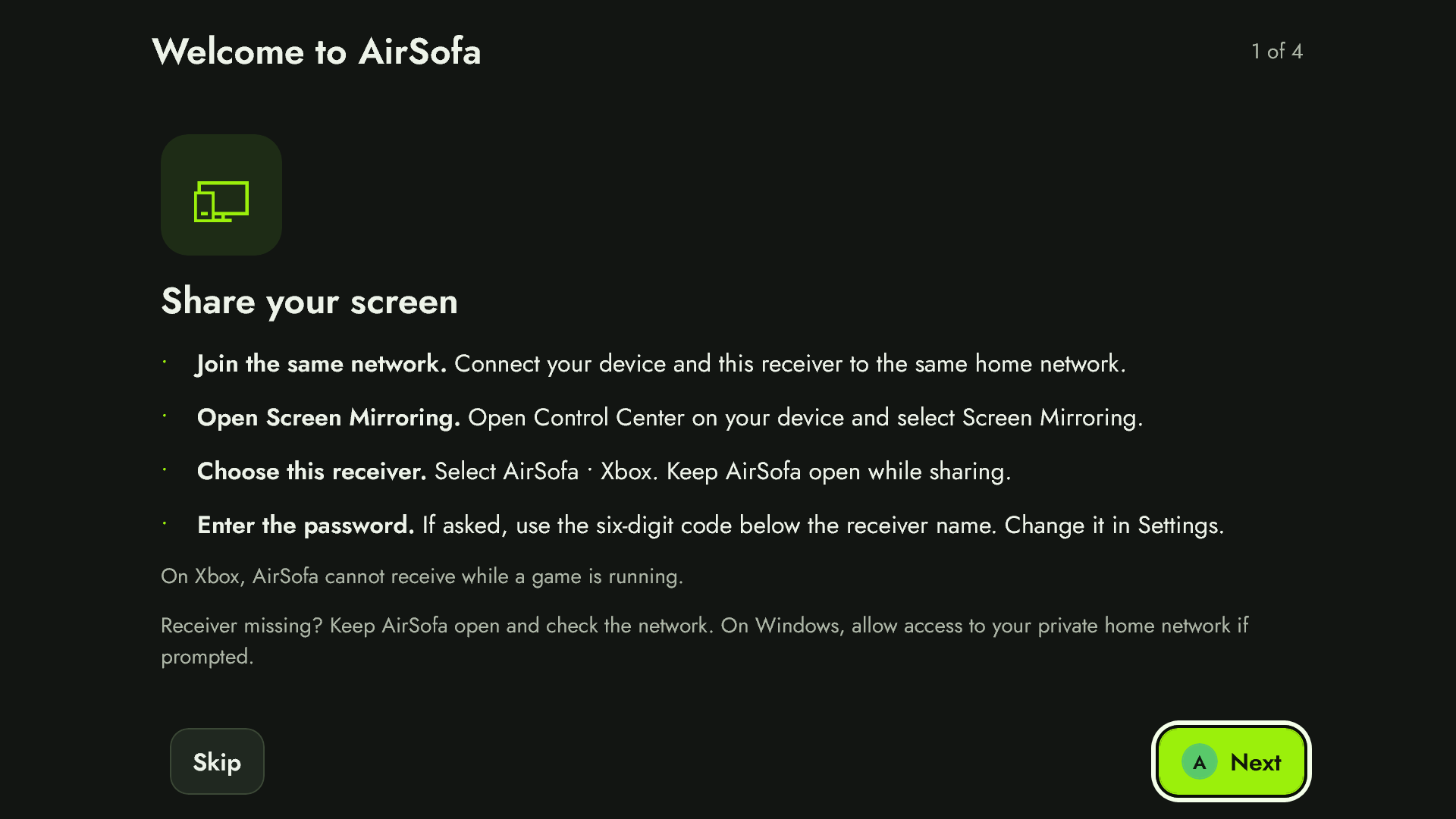
- Open AirSofa on your PC or Xbox. Keep both devices on the same local network.
- Select AirSofa in Screen Mirroring or your app’s AirPlay menu.
- If asked, enter the six-digit password shown on screen.
Keep AirSofa open while sharing. Protected streaming video is not supported. Other media features depend on the source.